 CR-8000
 CR-5000
 DRM-32
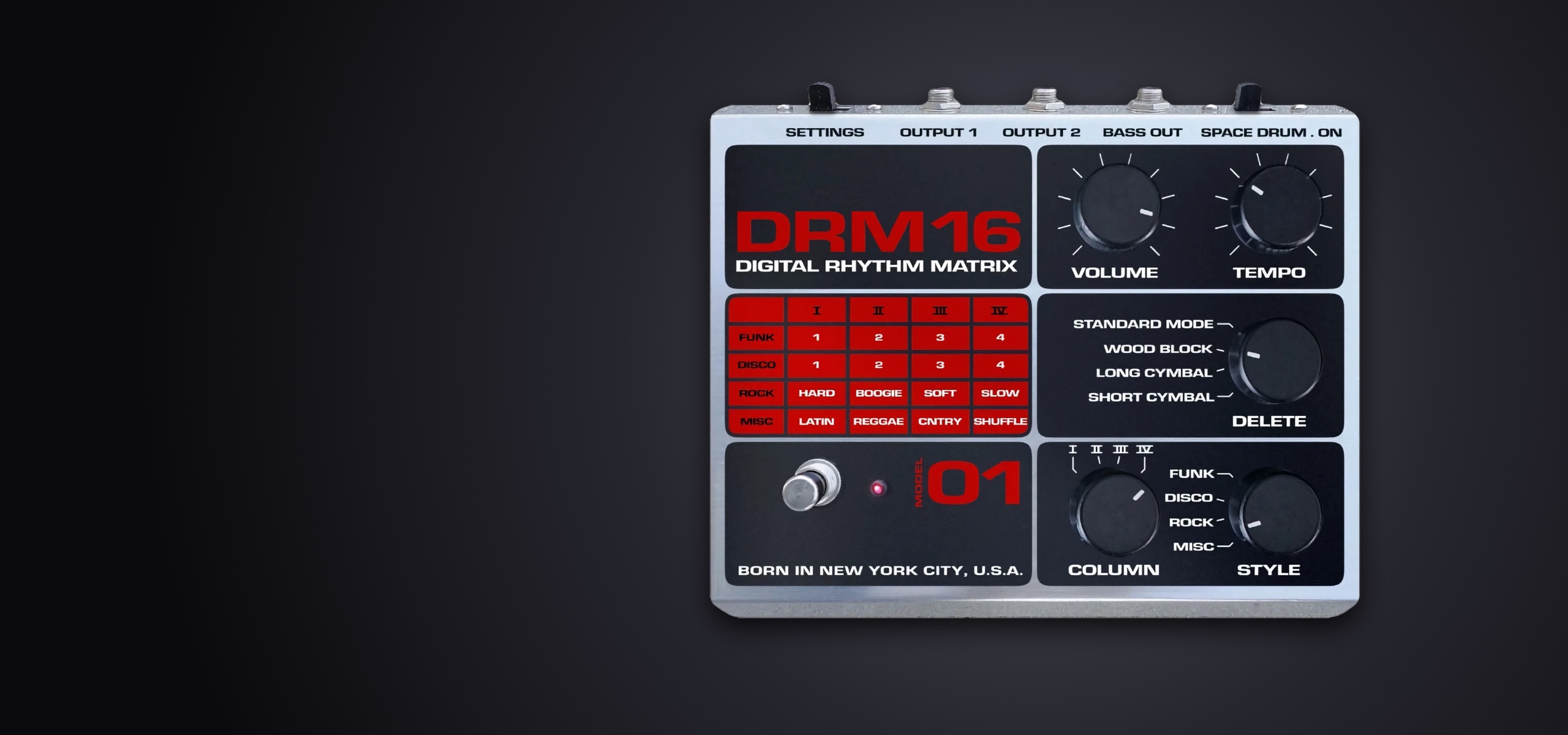
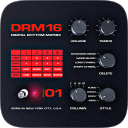
DRM-16 2.0 for iOS 15, iPadOS 15 and macOS 122026-11-01
New in version 2.0
- Audio Unit (AUv3)
- Load DRM-16 as an instrument inside GarageBand, AUM, Cubasis or Logic. Its front panel appears in the host window, its tempo follows the transport and its state is saved with your session. Seven separate outputs — the full mix and each instrument group — and fifteen automatable parameters.
- MIDI output
- Every hit is sent as a General MIDI drum note, accents included, to your other apps, your MIDI interfaces, Audiobus and the Audio Unit host. The channel is chosen in the options panel.
- Audiobus 3
- Updated to the latest SDK, with a MIDI port alongside the audio port, remote Start/Stop triggering and the complete state of the machine saved in your Audiobus presets.
- Mac version
- Included in your purchase: a window in the proportions of the machine, menus, keyboard shortcuts, and knobs you turn with the scroll wheel or the trackpad.
- Built-in options panel
- Every setting now lives inside the app, in a panel styled like the machine itself. On iPhone the sections stay reachable at all times and each page fits the screen, with no scrolling and no zooming. The iOS Settings remain available and the two stay in step.
- Output limiter
- No more clipping on busy patterns.
Main screen
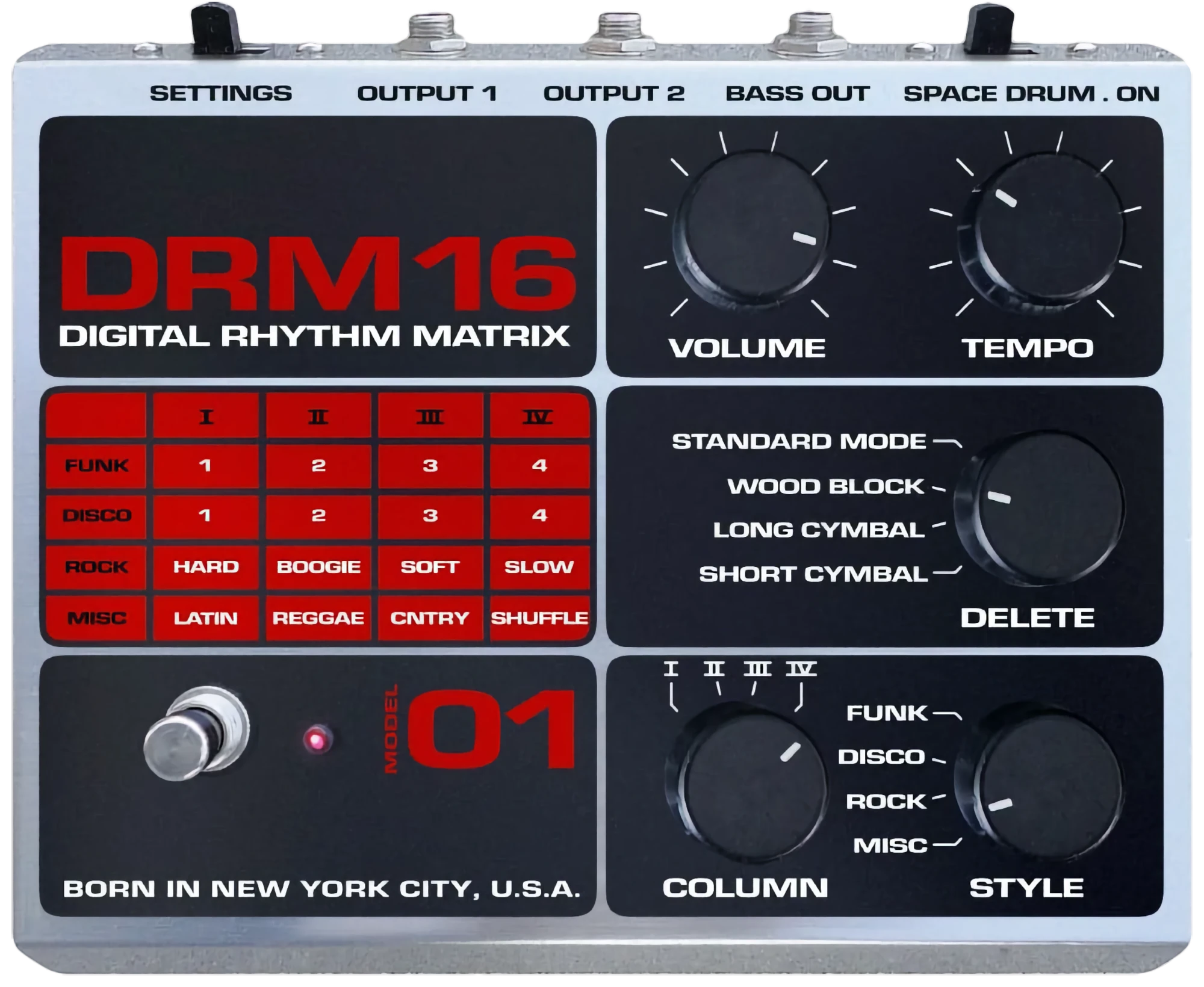
Usage (commands from top to bottom and from left to right)
- Settings
- Use this switch to open the options panel of the machine, laid out like its own front panel. Effects, drum kit, muted instruments, MIDI output and Bluetooth foot switch are gathered there, as described in the « Settings » chapter of this page. The matching section of the iOS Settings remains available, and the two stay in step.
- Space drum
- Switch this button to the left to have the « Space drum » instrument deleted from the selected rhythm, and to the right to have it played.
- Volume
- Use this rotating knob to adjust the main output volume of the machine. Rotating a knob can be done by pointing it, then swiping to the left (-) or right (+), to the bottom (-) or top (+).
- Tempo
- Use this rotating knob to adjust the tempo of the machine. An optional LED display is available in the app's settings. It displays an accurate value of the actual machine tempo.
- Rhythm matrix
- This array shows the name of the rhythm which is been selected while using the « Column » and « Style » rotating knobs. Clicking the cells of the array is also allowed and helps setting both in a shot. LED indicators are available in the app's settings. It indicates which are the selected column and style.
- Delete
- Use this rotating knob to progressively and cumulatively delete the « Wood block », « Long cymbal » and « Short cymbal» instruments from the rhythms.
- Start / stop
- Use this button to start and stop the machine rhythm playback.
- Column
- Use this rotating knob to select one of the rhythm from any column in the rhythm matrix.
- Style
- Use this rotating knob to select one of the rhythm from any style in the rhythm matrix.
Settings
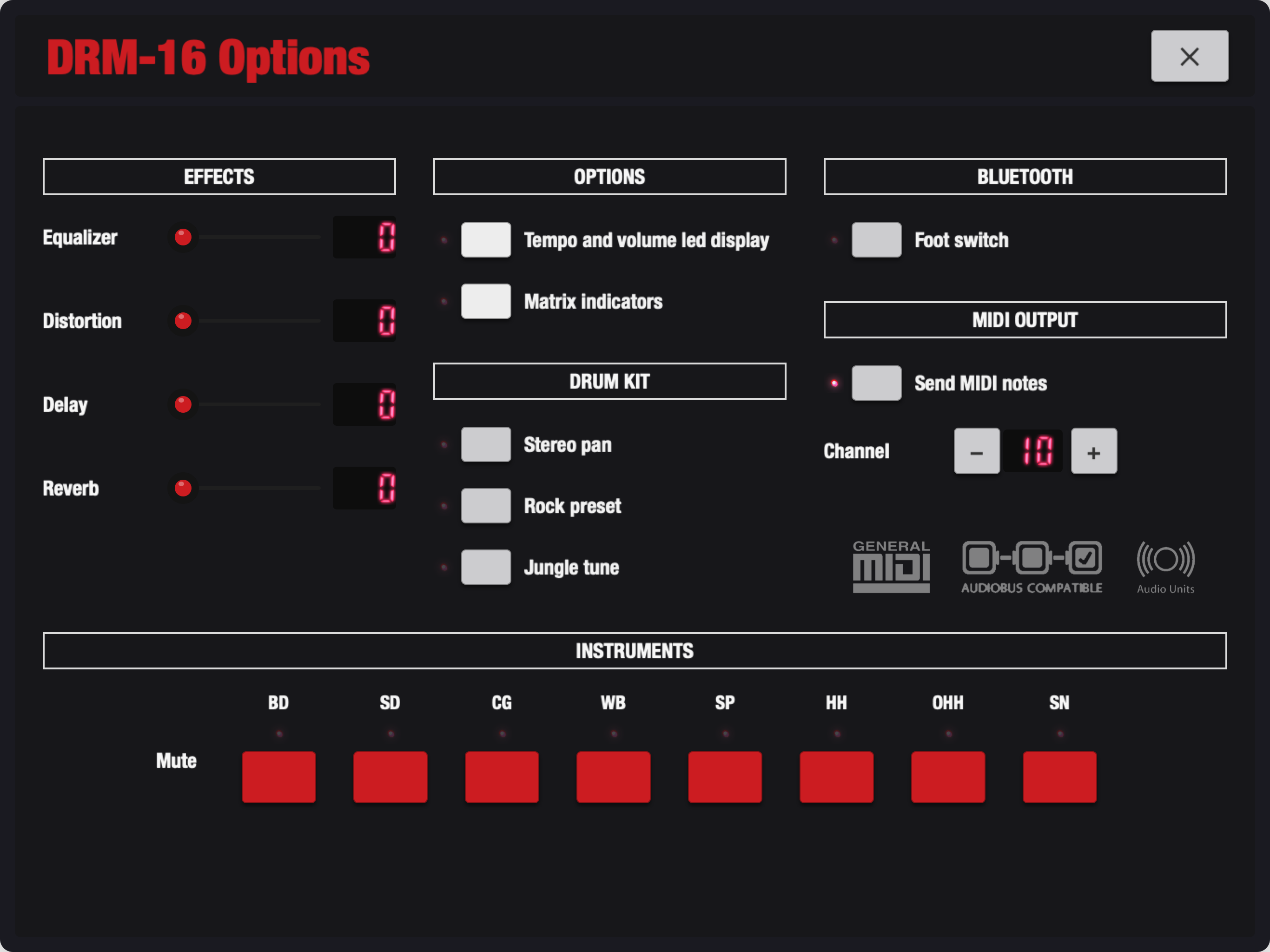
Usage (option switches from top to bottom)
- Equalizer
- Off : Bypass.
On : Basses and trebles are boosted and mediums are reasonably positionned. Best for lo-fi devices. - Distortion
- Off : Bypass.
On : A distortion effect is applied to the drum machine main output. - Delay
- Off : Bypass.
On : A delay effect is applied to the drum machine main output. The length of this effect is sychronized to the tempo, which in a way, produce new richer patterns with secondary discrete shots. - Reverb
- Off : Bypass.
On : A reverberation effect is applied to the drum machine main output. - Stereo pan
- Off : Bypass.
On : Each instrument is balanced to the right or left in a logical and harmonical way. - Rock, pre-processed effects
- Off : Bypass.
On : An alternative kit is used while in playback. Each instrument is been reprocessed independently through several effects to provide a higher general dynamic result. - Jungle tune
- Off : Bypass.
On : Each instrument height is affected in a -2 +2 octaves range to provide an alternative tone to your creations. - Tempo and volume LED display
- Off : Ignored.
On : A LED display is added to your DRM-16. It displays an accurate value of the actual machine tempo and main volume. - Column and style indicators
- Off : Ignored.
On : LED indicators are added to your DRM-16. It indicates which are the selected column and style. It indicates which are the selected column and style. - Mute switches
- Off : The instrument is played.
On : The instrument is muted.