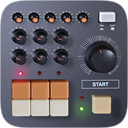
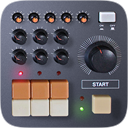
 CR-8000
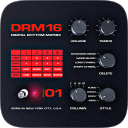 DRM-16
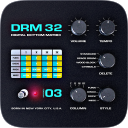 DRM-32
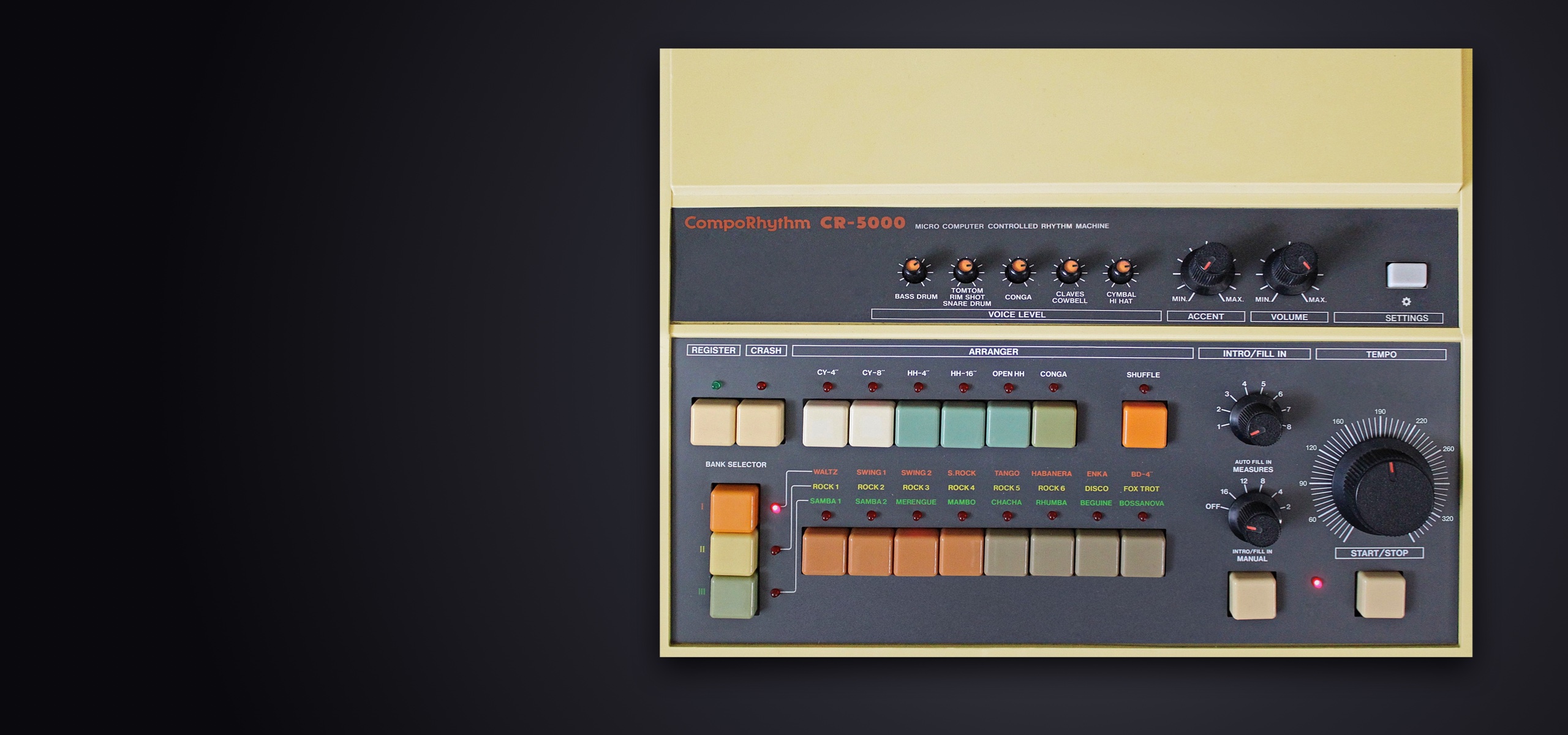
CR-5000 2.0 for iOS 15, iPadOS 15 and macOS 122026-11-01
New in version 2.0
- Audio Unit (AUv3)
- Load CR-5000 as an instrument inside GarageBand, AUM, Cubasis or Logic. Its front panel appears in the host window, its tempo follows the transport and its state is saved with your session. Seven separate outputs — the full mix and each instrument group — and fifteen automatable parameters.
- MIDI output
- Every hit is sent as a General MIDI drum note, accents included, to your other apps, your MIDI interfaces, Audiobus and the Audio Unit host. The channel is chosen in the options panel.
- Audiobus 3
- Updated to the latest SDK, with a MIDI port alongside the audio port, remote Start/Stop triggering and the complete state of the machine saved in your Audiobus presets.
- Mac version
- Included in your purchase: a window in the proportions of the machine, menus, keyboard shortcuts, and knobs you turn with the scroll wheel or the trackpad.
- Built-in options panel
- Every setting now lives inside the app, in a panel styled like the machine itself. On iPhone the sections stay reachable at all times and each page fits the screen, with no scrolling and no zooming. The iOS Settings remain available and the two stay in step.
- Output limiter
- No more clipping on busy patterns.
Main screen
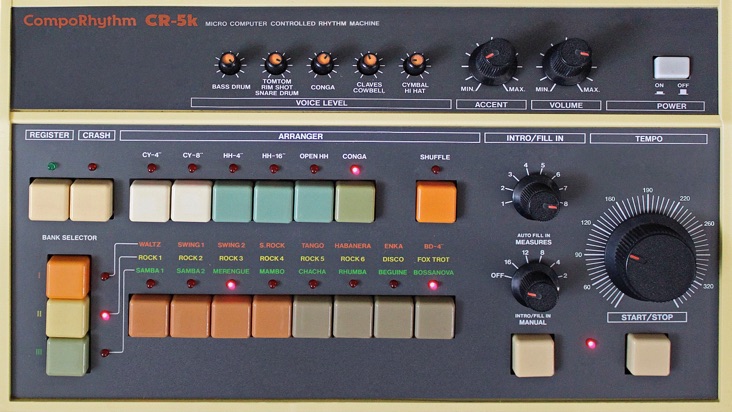
Usage (commands from top to bottom and from left to right)
- Five voices volume control
- Use those rotating knobs to adjust the volume of voices, which are built-in groups of instruments. Rotating a knob can be done by pointing it, then swiping to the left (-) or right (+), to the bottom (-) or top (+).
- Accent depth control
- Use this rotating knob to adjust the way the instruments velocity is affected by the accent events from patterns.
- Volume control
- Use this rotating knob to adjust the main output volume of the machine.
- Power switch
- Use this switch to turn on or off the machine power supply. If none of the machine's lights, nor the LCD display is activated, use this switch to wake them up.
- Register button
- Use this button to cycle through the two memory registers. Each of them stores the pattern selections and the arranger settings.
- Crash button
- Use this button to trigger the crash cymbal instrument while coming back to patterns after a fill-in.
- CY-4'' arranger
- Use this button to add to your rhythm a pattern where the cymbal instrument is triggered each 4 steps.
- CY-8'' arranger
- Use this button to add to your rhythm a pattern where the cymbal instrument is triggered each 2 steps.
- HH-4'' arranger
- Use this button to add to your rhythm a pattern where the closed hi-hat instrument is triggered each 4 steps.
- HH-16'' arranger
- Use this button to add to your rhythm a pattern where the closed hi-hat instrument is triggered each steps.
- Open HH arranger
- Use this button to add to your rhythm a pattern where the opened hi-hat instrument is triggered each 4 steps.
- Conga arranger
- Use this button to add to your rhythm a conga pattern.
- Shuffle arranger
- Use this button to switch to shuffle mode, with a 3/4 time signature. Patterns are computed from 4/4 ones by ignoring each third times.
- Intro / fill-in selector
- Use this selector to choose the type of fill-in played as intro, as manual fill-ins or as automatic fill-ins.
- Tempo control
- Use this rotating knob to adjust the tempo of the machine while in playback mode.
- Bank selector
- Use those buttons to select the preset patterns bank between three built-in themes, each of which correspond to orange yellow or green rhythms printed on the machine.
- Preset selector
- Use those buttons to select the preset patterns from the selected bank for playback. Two (default) or all (bonus setting) patterns can be layered.
- Auto fill-in selector
- Use this selector to activate the automatic fill-in playback and to choose the number of measures between each.
- Intro / fill-in button
- Use this button to immediatly switch to the selected fill-in while in playback or to make the machine play a fill-in first as introduction when started.
- Start / stop button
- Use this button to start and stop the machine rhythm playback.
Settings
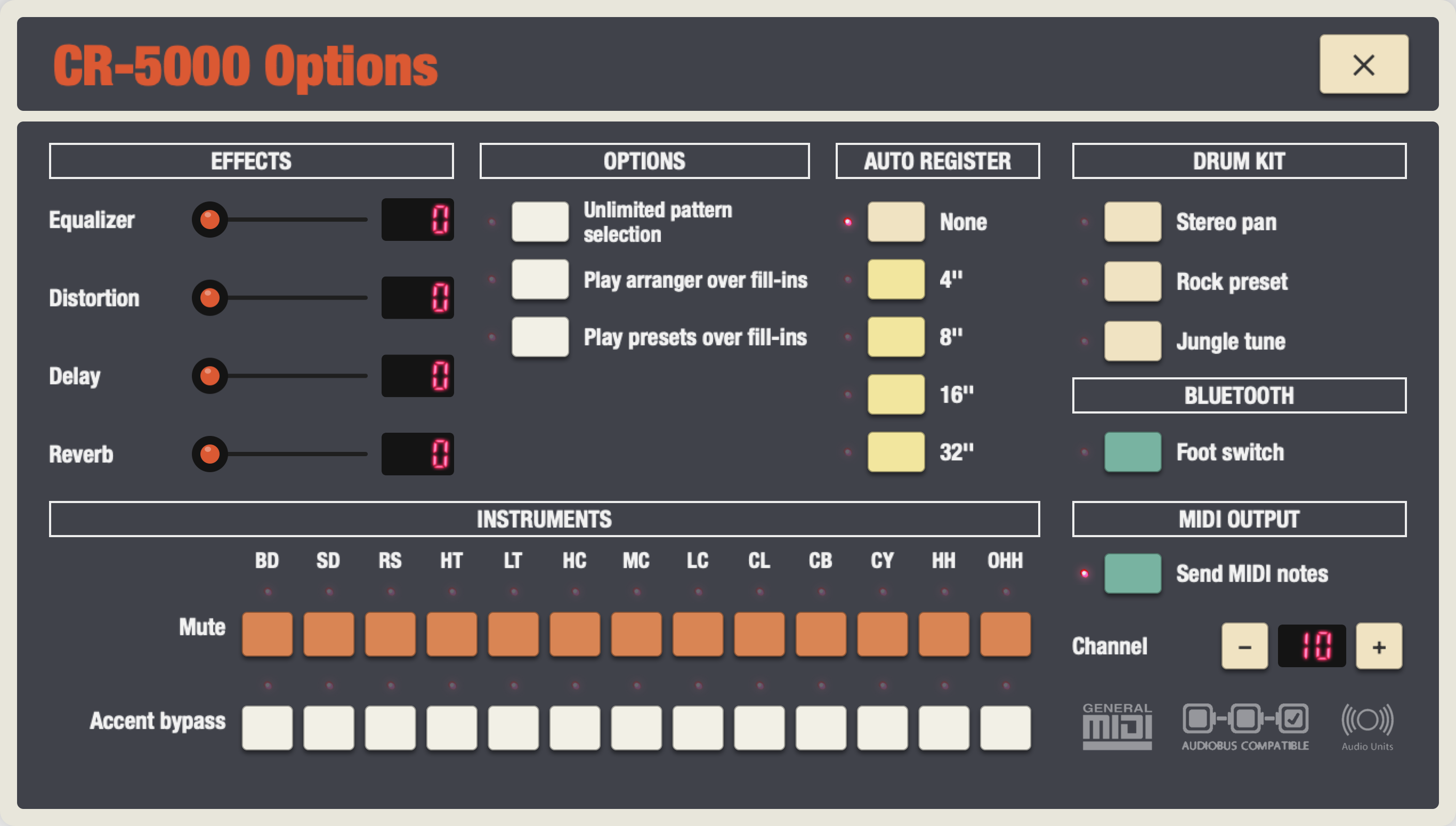
Usage (option switches from top to bottom)
- Use unlimited pattern selection
- Off : Patterns selection for layering onto a rhythm is limited to two items.
On : Patterns selection for layering onto a rhythm is not limited. - Play arranger over fill-ins
- Off : Arranger stops while playing fill-ins.
On : Arranger continues to play along fill-ins. - Play presets over fill-ins
- Off : Presets stops while playing fill-ins.
On : Presets continues to play along fill-ins. - Stereo pan
- Off : Bypass.
On : Each instrument is balanced to the right or left in a logical and harmonical way. - Equalizer
- Off : Bypass.
On : Basses and trebles are boosted and mediums are reasonably positionned. Best for lo-fi devices. - Distortion
- Off : Bypass.
On : A distortion effect is applied to the drum machine main output. - Delay
- Off : Bypass.
On : A delay effect is applied to the drum machine main output. The length of this effect is sychronized to the tempo, which in a way, produce new richer patterns with secondary discrete shots. - Reverb
- Off : Bypass.
On : A reverberation effect is applied to the drum machine main output. - Mute switches
- Off : The instrument is played.
On : The instrument is muted. - Accent bypass switches
- Off : The instrument velocity is affected by the accent events bundled in presets or added within your programs.
On : The instrument velocity is not affected by the accent events. - Sync-out 16'' to register
- Off : No impact on playback.
On : The registers are automatically swapped each 16 steps. - Sync-out 8'' to register
- Off : No impact on playback.
On : The registers are automatically swapped each 8 steps. - Sync-out 4'' to register
- Off : No impact on playback.
On : The registers are automatically swapped each 4 steps.